Websites & Portfolios
Tattoo Artist Website: What Works, Real Examples, and How to Build Yours
What a tattoo artist website needs to turn visitors into bookings, with real examples and the free and paid ways to build your own.

Tattoo Artist Website: What Works, Real Examples, and How to Build Yours
Most tattoo artists don’t need a flashy website. They need a tattoo artist website that does its job: show the work, answer the obvious questions, and make it easy to book.
Plenty of tattoo sites miss at least one of those. The portfolio is buried. The booking process requires a DM. The site breaks on a phone.
The good ones get it right. They look sharp on a phone and give a potential client what they need to commit. This post covers what a tattoo artist website needs, 6 real examples grouped by what they do well, and the options for building your own. For templates, hosting, and everything else in one place, start with our tattoo artist website hub.
What a Tattoo Artist Website Needs
Before the examples, a quick framework. The best tattoo sites consistently do a few things:
They lead with the work. Large, clean portfolio images early on the page. Not a logo. Not a tagline. The art.
They answer questions before they’re asked. Style specialties, deposit policies, wait times, what to expect. The more answered upfront, the less friction before a booking.
They make booking obvious. The button is visible, the path is short, and it works on a phone.
They build trust without a wall of text. Artist bios, studio photos, and client reviews do more than paragraphs of copy.
That’s the checklist. Here’s who does it well.
Tattoo Artist Website Examples
All of these sites were checked live on October 15, 2026.
Portfolio-Focused: Work Front and Center
Jessi Cramer Tattoo Artist
jcramertattoos.com | Pittsburgh, PA
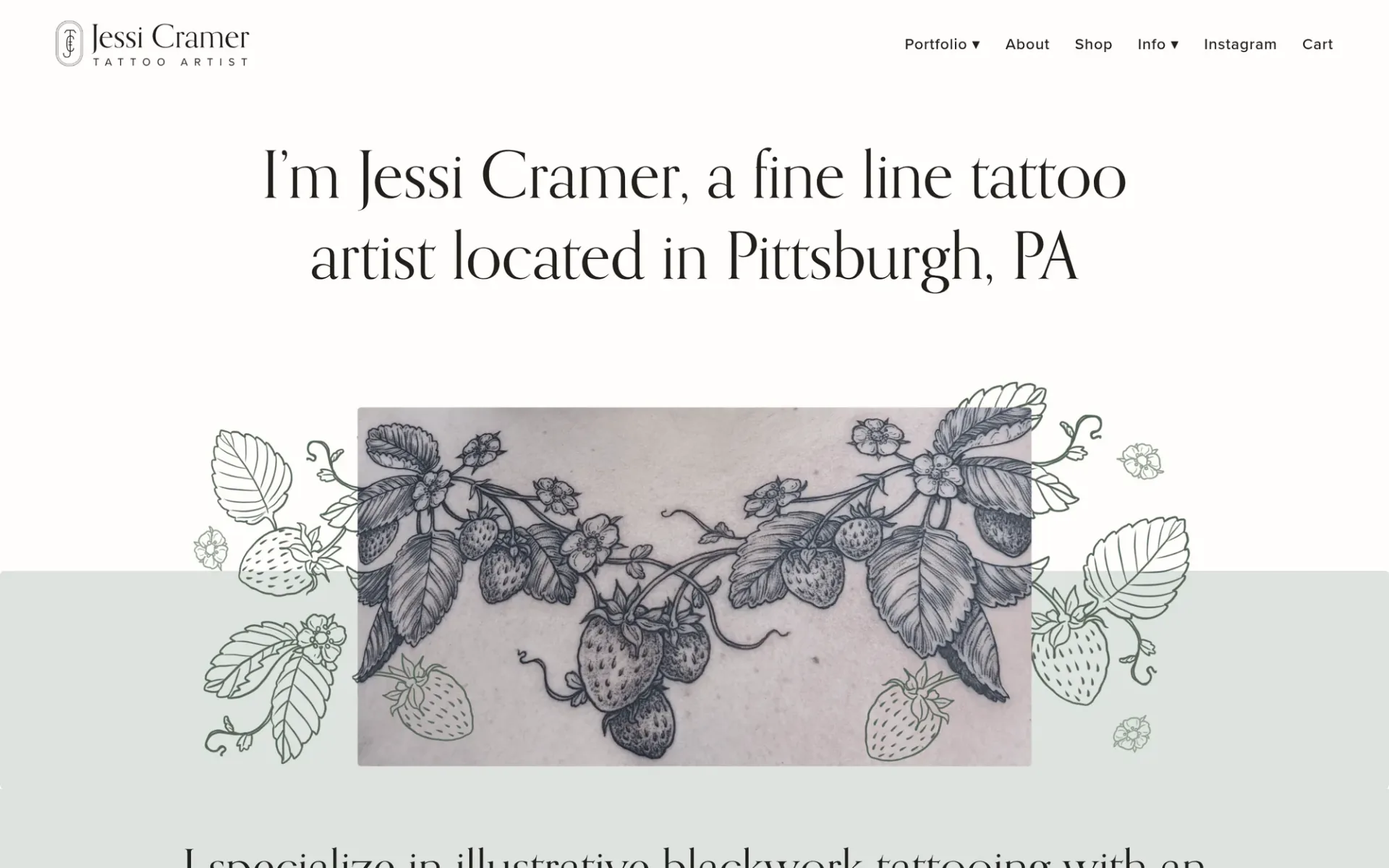
Jessi Cramer’s site is a good model for solo artists. It opens in her own voice and states her specialty right away: fine line, illustrative blackwork with an emphasis on natural subjects. Her work is organized into clear portfolio categories, so a potential client can tell quickly whether her style matches what they want.
The first-person voice gives a real sense of who she is and how she works, which matters when the relationship with the artist is part of the experience.
Booking-Optimized: Designed to Convert
Black Tower Tattoo Studio
blacktowertattoo.com | Los Angeles, CA
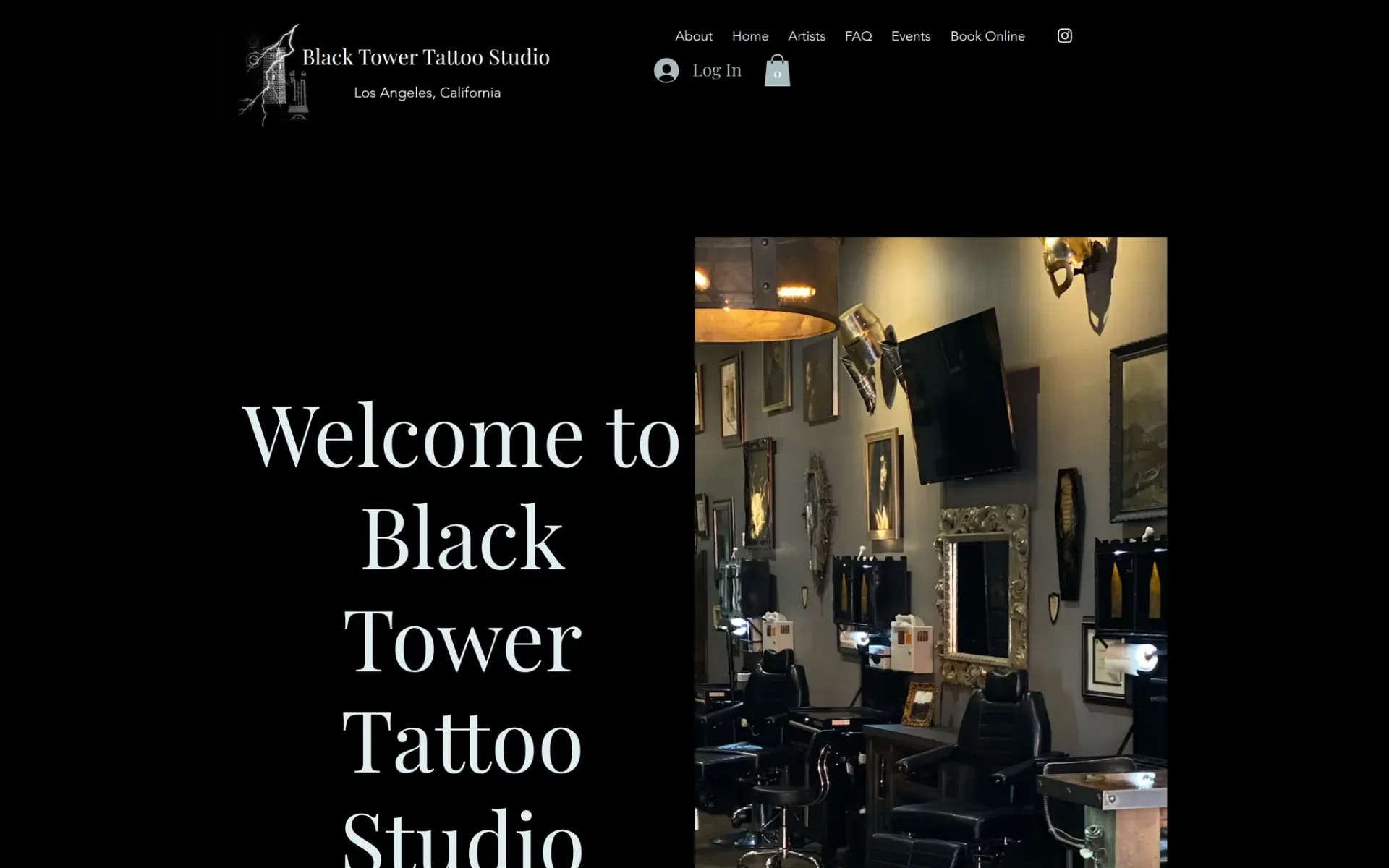
Black Tower states its identity in four words on the homepage: “Clean. Bold. Professional. Creative.” You get a feel for the studio before you scroll.
The site has a dedicated FAQ and an aftercare guide, which handle the common hesitations before they become objections. Each artist has their own page, and the events section gives the studio a sense of an active community.
Geek Ink Tattoo
geekinktattoo.com | Broken Arrow, OK
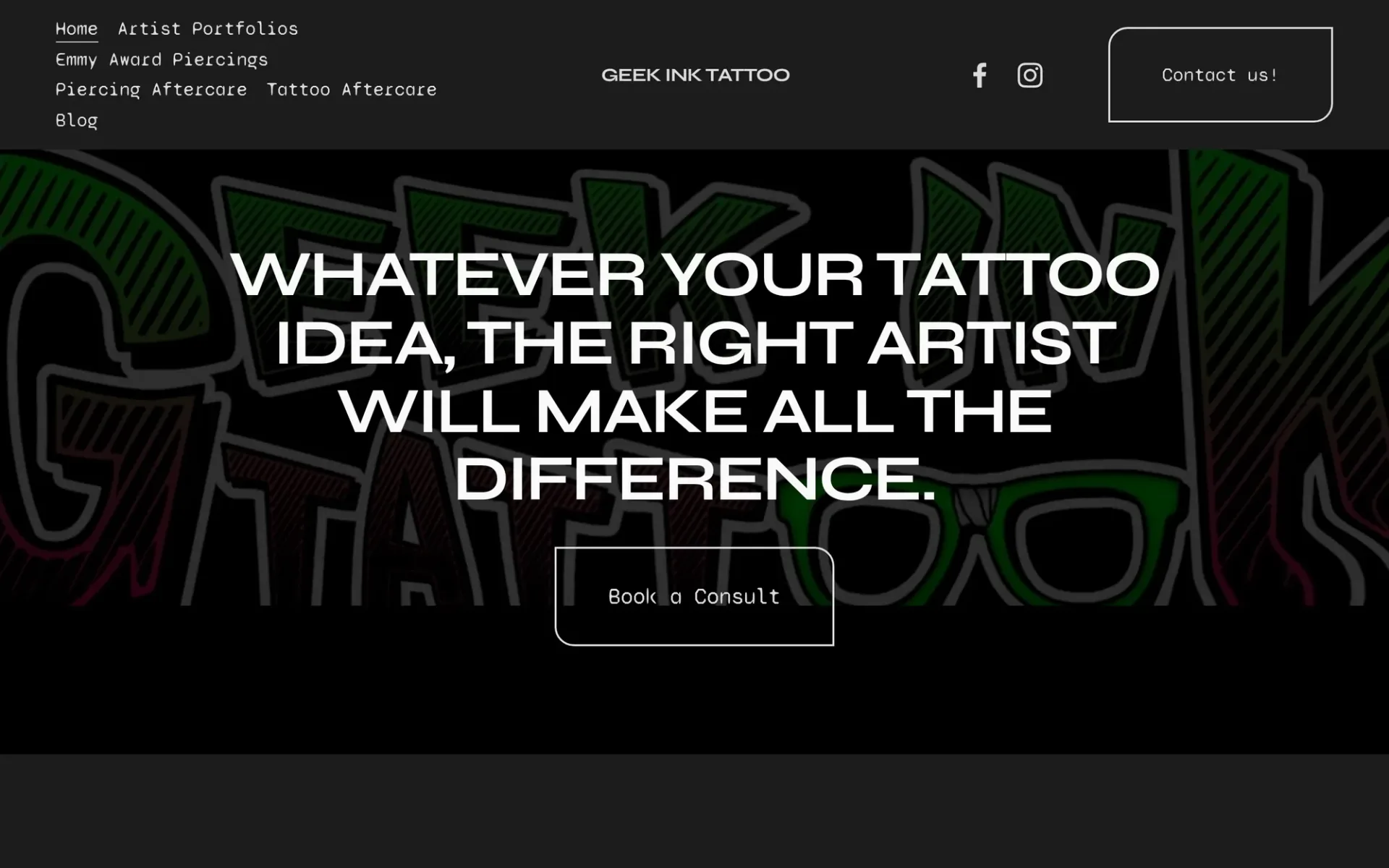
Geek Ink’s main call to action is “Book a Consult.” Not “book an appointment” in a system where you don’t know who you’re getting. A consultation. That framing sets expectations and gives indecisive clients an easy first step.
Brand-Forward: Identity That Attracts the Right Clients
Atelier Eva
ateliereva.com | Brooklyn, NY
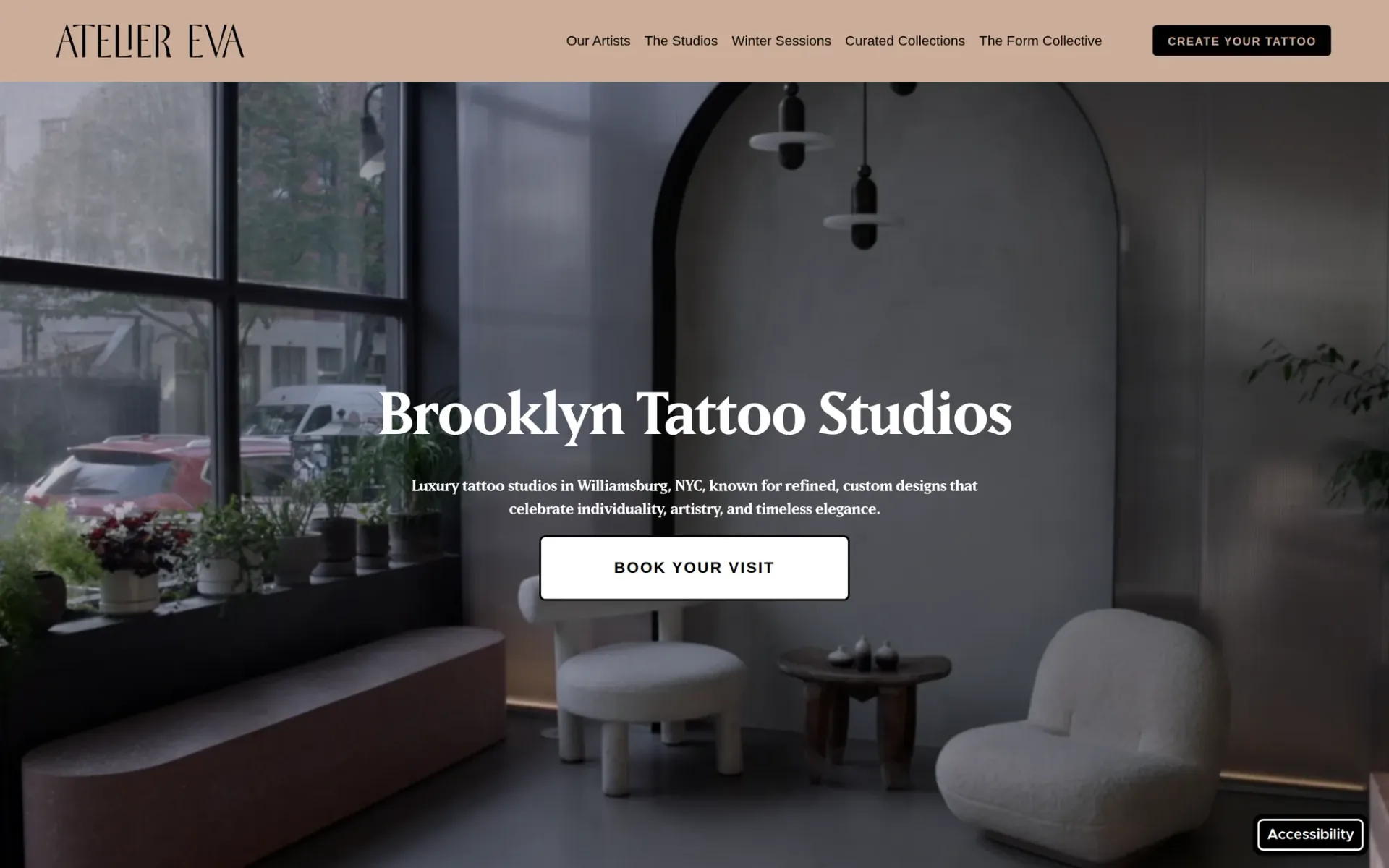
Atelier Eva describes itself as a “spa-like experience,” and the site reflects that: clean white space, refined typography, and none of the dark, edgy look common on tattoo sites. The studio was founded by fine art tattooer Eva Karabudak, and the positioning is consistent from the first screen.
For artists who want to attract a style-conscious clientele, this site shows how visual positioning turns into the right bookings.
Generation8Tattoo
generation8tattoo.com | Hermosa Beach, CA
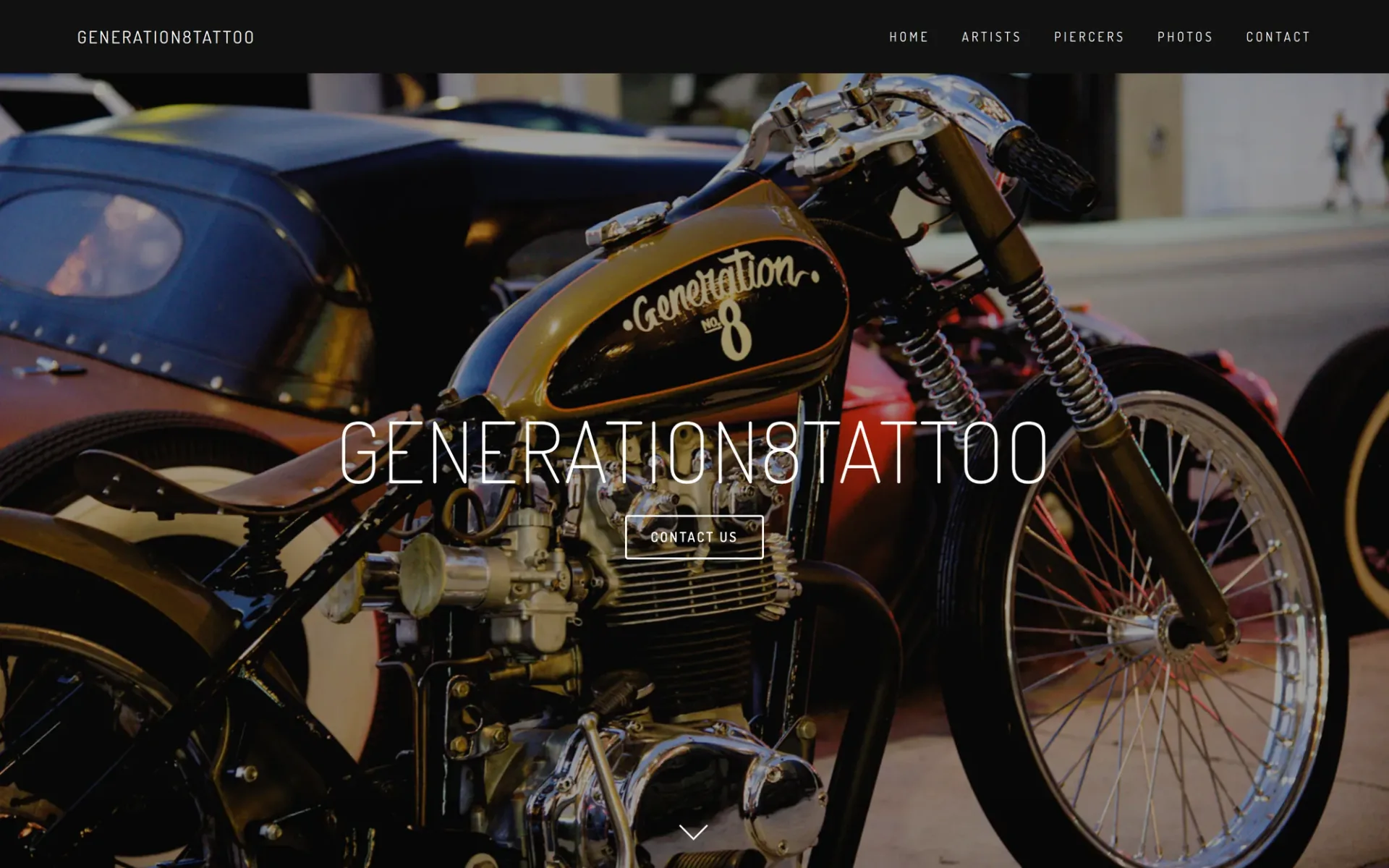
Generation8Tattoo puts its founder, Dave, front and center, which makes the site feel personal rather than corporate. Every artist is listed by name in the navigation, and piercing has its own section, which is useful for studios offering both.
Clean Design
Lass Tattoo
lasstattoo.com
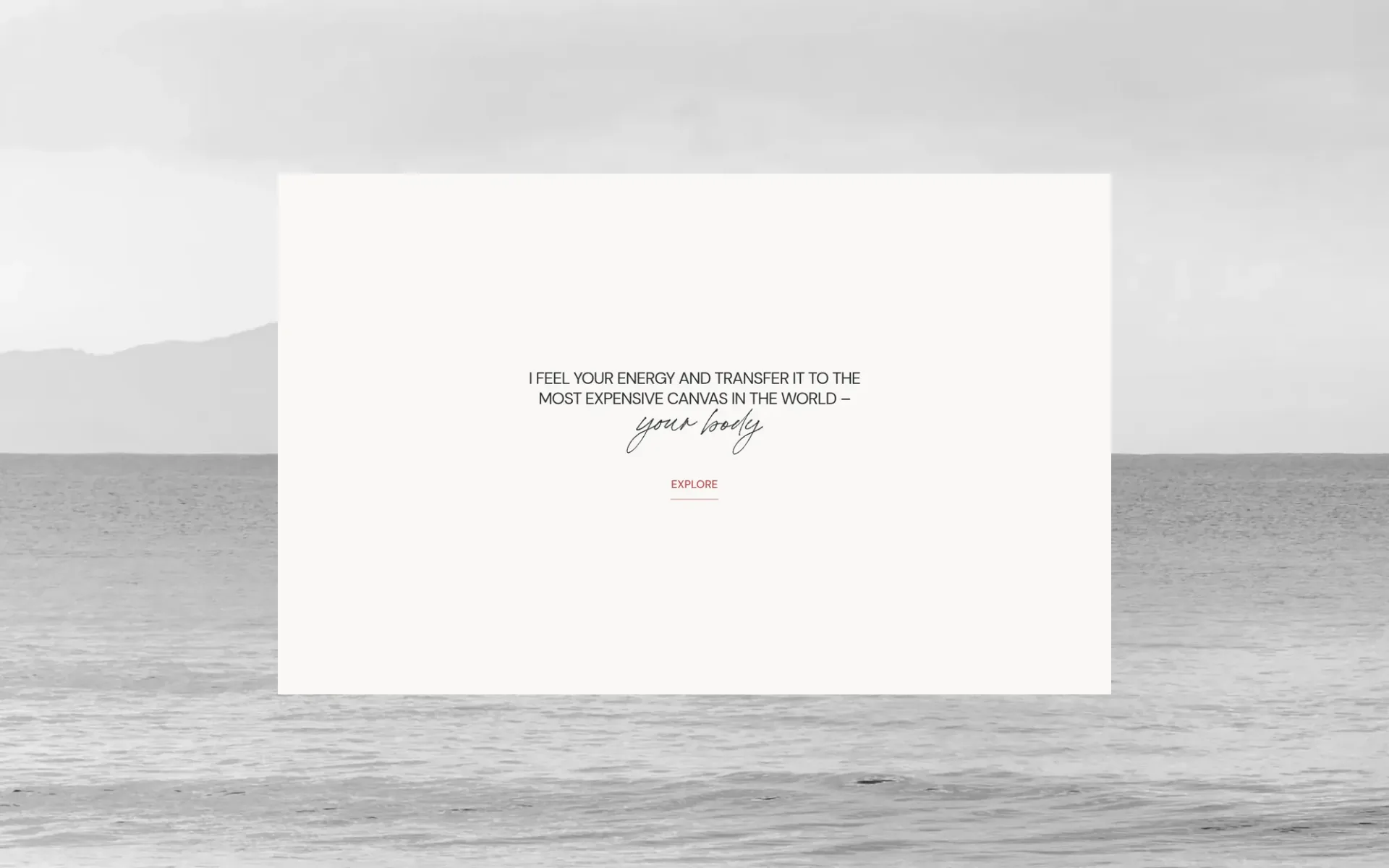
Lass Tattoo is built on Webflow and shows what a clean, minimal design can do for a tattoo site. The navigation is short (about, portfolio, reviews, pre-care, contact), the images have room to breathe, and the booking request is one click away.
Common Patterns Across the Best Sites
Looking at these examples, a few things stand out.
The portfolio is never buried. You can see the work without hunting for it. Clients are visually screening you before they read a word.
Artist bios are specific. The best ones include style specialties, a photo, and some personality. Generic bios (“passionate about tattoo art”) don’t build trust. Specific ones do.
Mobile experience isn’t an afterthought. Most tattoo clients browse on a phone. Large tap targets and visible booking links matter.
Local SEO is supported. City name in the title tag, location information easy to find. When someone searches “tattoo artist [city],” these sites have what they need to show up.
Booking is close. The path from landing on the site to a booking or consult request is short and obvious.
If you already have a site, check how your own site compares on booking, contact details, and mobile basics.
How to Build Your Tattoo Artist Website
The technical part isn’t what slows most artists down. It’s the setup time, the choices about design direction, and connecting booking to the site. Our tattoo artist website hub lays out every option side by side. Here’s the short version.
Free portfolio site. The free Portfolio Template builds a single-page site with your bio, gallery, and contact form, with no code. Building it is free and there’s no image limit. Download it as a ZIP and host it anywhere for free, or publish it with Tattoo Studio Pro hosting, which is optional at $10/month or $100/year if you don’t subscribe. Downloading and cloud saves need a free Tattoo Studio Pro account.
Free multi-page template. If you’re comfortable editing HTML, the free tattoo website template is a multi-page build you download and keep. Host it anywhere.
Paid artist template. The tattoo artist website template is a multi-page build with a visual editor and a one-time price (see current pricing). You can publish it from the editor or download it as a ZIP. If you subscribe to Tattoo Studio Pro, your Tattoo Studio Pro subscription includes a website and hosting, so you claim it and publish with nothing extra to pay. Without a subscription, hosting is $10/month or $100/year. Studios with several artists to show off want the studio website template instead.
There’s also a done-for-you setup option if you’d rather send over your content and have someone handle setup and launch, or a fully custom tattoo shop website if a template isn’t the right fit.
The goal in any case is the same as the sites above: show the work, answer the questions, make it easy to book.
If you’re also thinking about SEO, this guide covers the basics of tattoo website SEO, including what to include on each page and how to rank for local searches.
For a longer look at generic website builders, see why Squarespace costs more than it looks. And if you’re weighing templates against a fully designed site, our guide on custom tattoo shop websites breaks down when it makes sense to go beyond a template.
To compare every website option we offer, see our tattoo websites page.
FAQs
What should a tattoo artist website include?
At minimum: a portfolio with clear, well-lit photos organized by style, an artist bio with specialties listed, booking information or a direct booking link, location and contact details, and your deposit and cancellation policies. The more questions you answer upfront, the fewer DMs you’ll field.
How much does a tattoo artist website cost?
It depends on how much you build yourself. A portfolio site can be free with the free Portfolio Template: building is free, and you can download the ZIP and host it anywhere for free. Paid templates cost a one-time fee, and hosting with Tattoo Studio Pro is $10/month or $100/year if you don’t subscribe. If you do subscribe, a website and hosting are included. Custom-designed sites cost more, and agency pricing varies widely, so get quotes.
Does a tattoo artist really need a website if they have Instagram?
Yes. A website gives you a page you control that can show up when someone searches “tattoo artist near me” on Google, with your portfolio, policies, and booking in one place. Instagram is great for reach, but you don’t control the algorithm or the layout.
What’s the best website builder for tattoo artists?
There’s no single answer, but purpose-built options like the Tattoo Studio Pro website templates are designed around tattoo portfolios and booking, so there’s less to configure. Generic builders work fine for design, but expect to spend more time setting up booking, portfolio, and local SEO yourself.
How important is mobile design for a tattoo website?
Very. Most people searching for tattoo artists are on their phones. If your site is slow, hard to navigate on mobile, or hides the booking button, you’ll lose clients before they reach out. Test your site on your own phone regularly. You can also score the mobile basics on your current site.
Is there a limit on how many images I can add to the free portfolio?
No. There’s no image limit on the free Portfolio Template, so add as much of your work as you want to show your range. Images you upload are included automatically when you download the site as a ZIP.
Do Tattoo Studio Pro subscribers pay extra for a website?
No. Your subscription includes a website and hosting. The studio owner claims it with Claim my website, either in the template’s Site tab or on the Hosting page in the Account Portal, then publishes it.
See every website option for tattoo artists on our tattoo artist website hub. Also check out the side-by-side comparison of portfolio sites for a breakdown of your options.